
The best way to surf the web.
The Open-Source Alternative to Arc.Sailfish is a calm, fast browser, designed to give you the same feel as if you were using Arc. Your tabs live in a sidebar, your work in spaces, and the web stays out of your way.
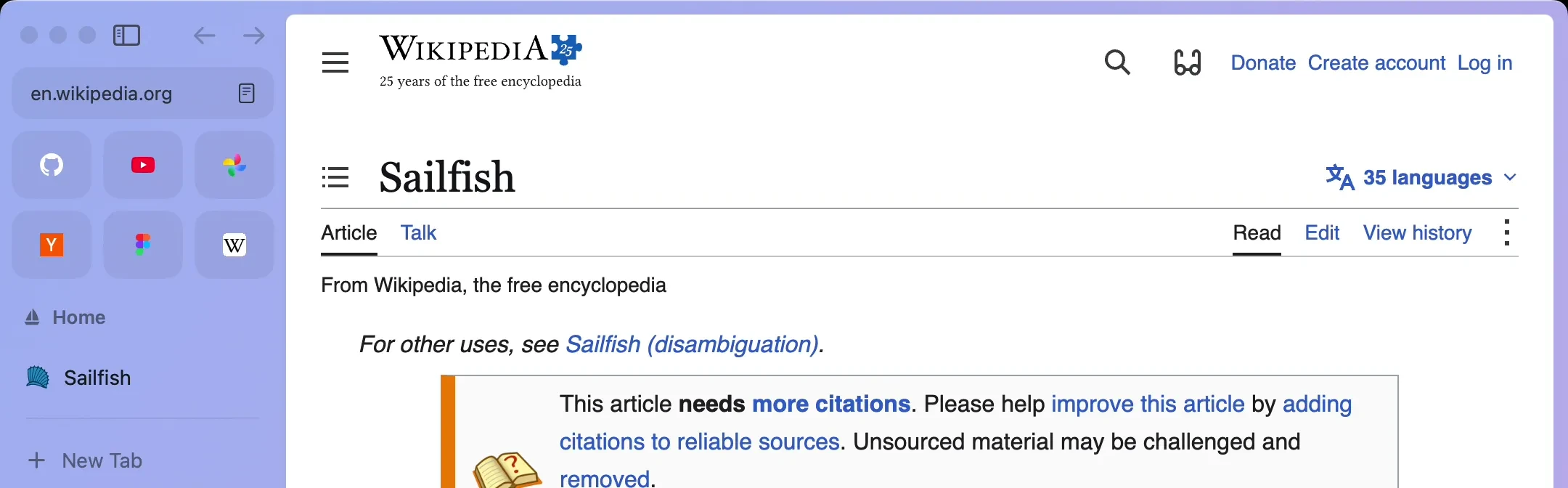
A browser that stays out of your way.
Sailfish is built on Chromium, so your sites and Chrome extensions work as they always have. Your tabs live in a quiet sidebar, spaces keep each part of your day apart, and everything stays on your Mac.
A demo of Sailfish on the Mac. It switches between School, Work and Dev spaces, opens tabs from the sidebar and a split view, types a search into the command bar, opens the Library and changes the School space's theme.
iPhone
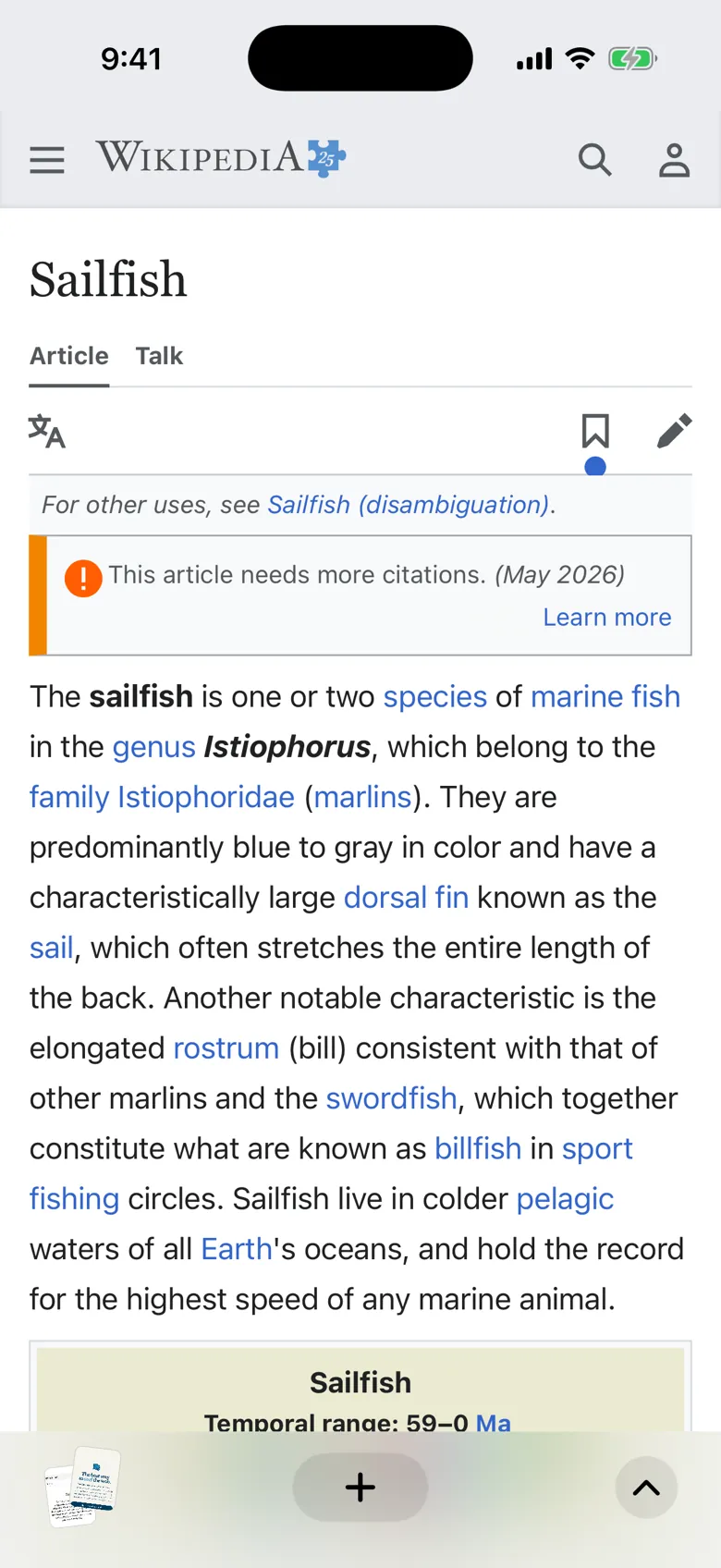
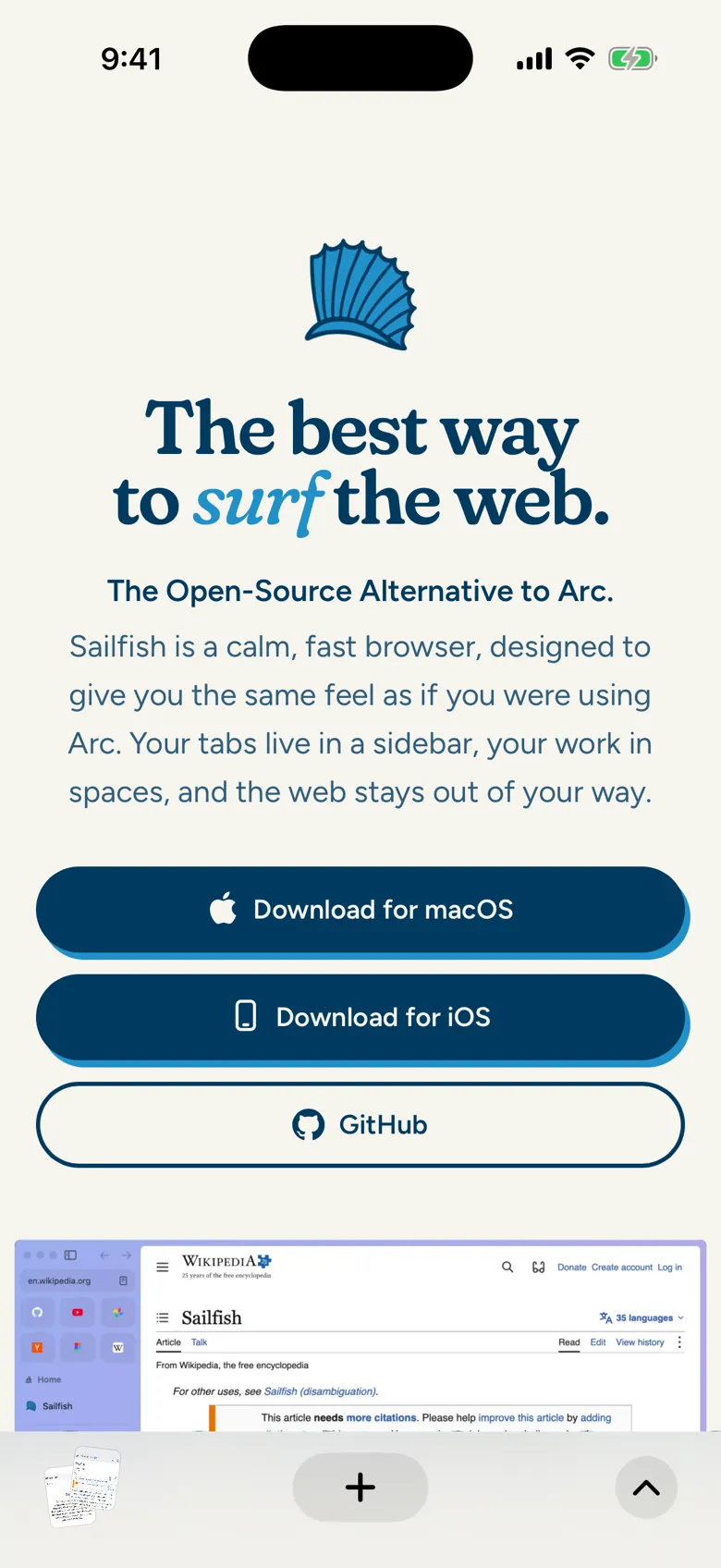
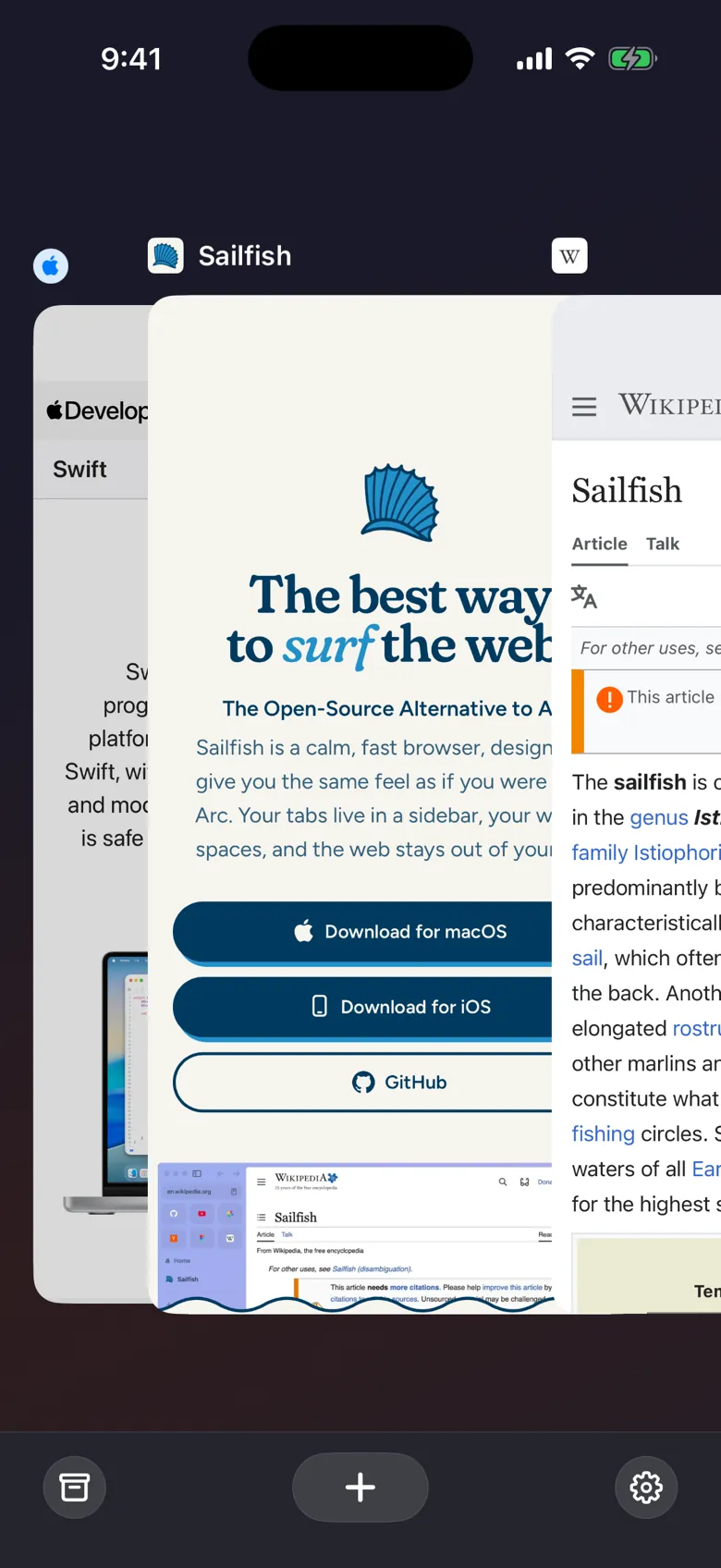
Sailfish for iPhone.
The same calm, fast browser, in your pocket. Swipe along the bottom bar to move between tabs, or zoom out to see them all side by side.
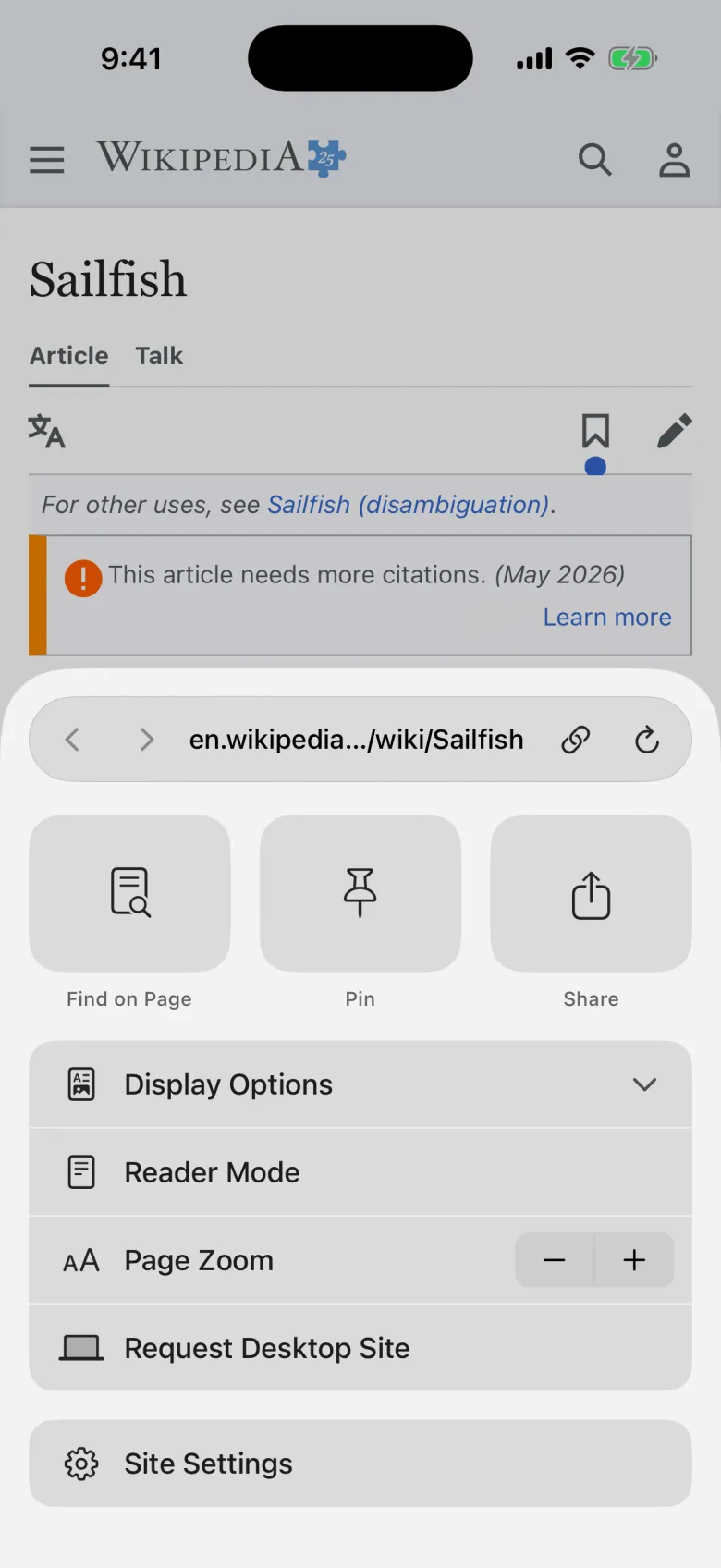
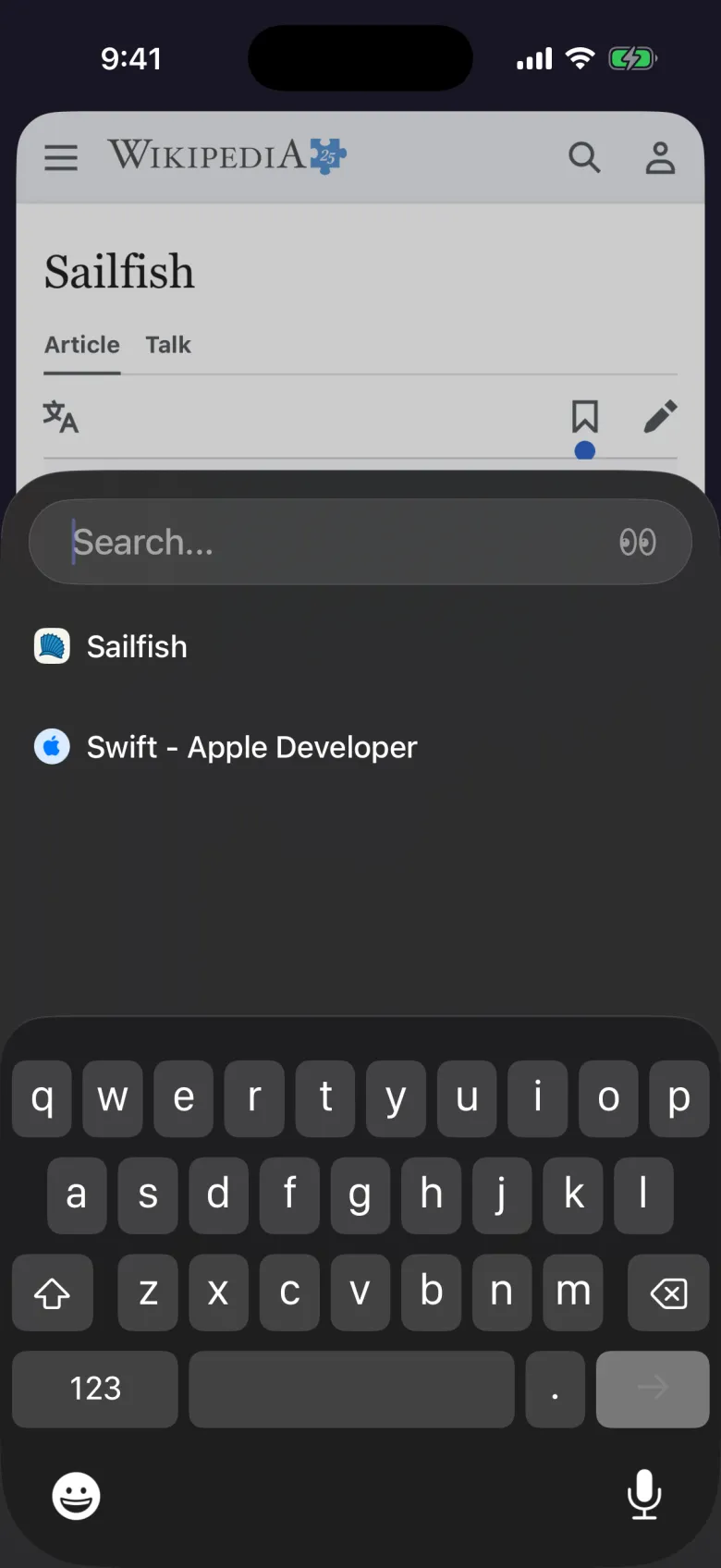
Import your browsing from Arc, Chrome, Safari, Edge, Dia or Zen.


Privacy, kept simple.
Sailfish has no account and adds no analytics of its own. Your tabs and history stay in a folder on your Mac, and uBlock Origin blocks ads and trackers from the start.
Learn more about privacy in Sailfish →Frequently Asked Questions
Which Macs does Sailfish run on?
Any Mac with Apple silicon running macOS 15 Sequoia or later.
How much does it cost? Is it open source?
Sailfish is free, and it’s open source. You can read the code, follow along or contribute on GitHub.
Is there an iPhone app?
Yes. Sailfish for iPhone is called Sail, and it needs iOS 26 or later.
What comes over when I import?
From Arc: your spaces with their pinned and Today tabs, favorites, archived tabs, history and keyboard shortcuts. From Chrome, Edge and Dia: bookmarks and history. From all four, saved passwords and the sites you’re signed in to come too, after macOS asks you to allow access. From Safari: bookmarks, history and sign-ins once you turn on Full Disk Access, plus passwords from a file you export from the Passwords app. From Zen: your spaces with their pinned and open tabs, Essentials, bookmarks, history and sign-ins, plus passwords from a file you export from Zen. Everything is read on your Mac and nothing is uploaded.
Does it block ads? Can I use Chrome extensions?
Yes to both. uBlock Origin is built in and on from the start, and you can turn it off in Settings, under General. Other extensions install from the Chrome Web Store as they would in Chrome.
How does Sailfish compare to other browsers?
See how Sailfish stacks up against Arc and other Arc-like browsers on the comparison page.
Is DRM / Widevine available?
Not yet. We’re in the process of getting the license.
Do I need an account? Is there sync?
No account needed. Your tabs, spaces and history stay in a folder on your Mac. We're hoping to implement sync in the future, when we have better infrastructure to support it.